
Handle the whole call
Make and receive calls, place a caller on hold and use direct or attended transfer. Consult a colleague before passing on a conversation that needs context.
Let people answer as the business from the office, home or the road. 3CX desktop, browser and mobile apps keep calls, contacts and team availability close at hand, with Infinitel managing the service behind them.
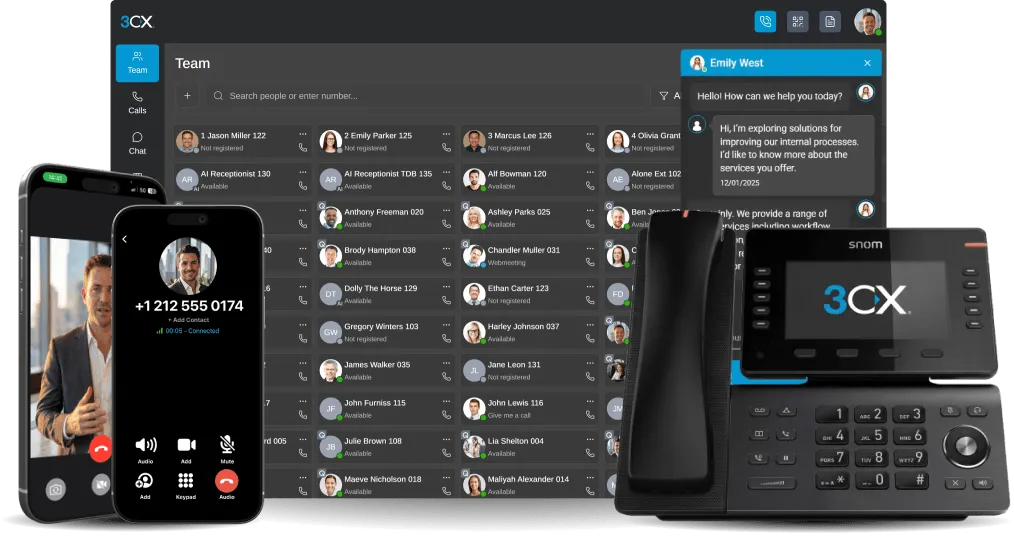
Give people a consistent business number and a familiar route to colleagues while they move between the office, home and customer sites.
Make and receive calls, place a caller on hold and use direct or attended transfer. Consult a colleague before passing on a conversation that needs context.
Find colleagues and see their availability. Use the channels enabled for your service to handle calls and messages from the same 3CX environment.
“The team put me on a 3CX system that enables my field workers to answer inbound business calls away from the office and ensures everyone in my team is accessible at the right times.”


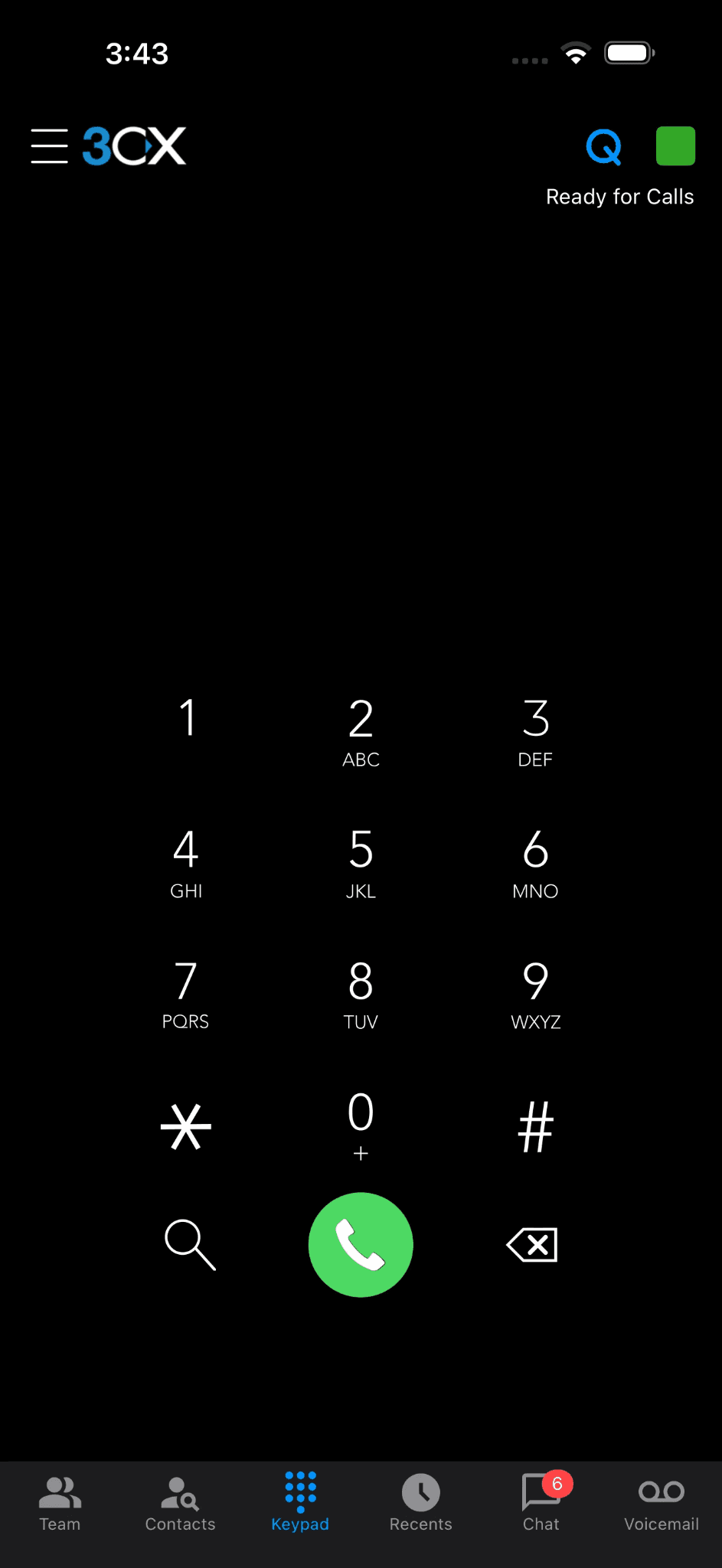
Return a customer’s call through 3CX using the configured business caller ID, helping maintain a clear separation from your personal mobile number.
Keep remote colleagues in the relevant queues and call flows. Their location can change without changing the number a customer calls.
Status, working hours and forwarding rules help colleagues protect focused time and pass calls to cover when they are away.
Keep one business extension across the places and devices your people use.
| Workspace | Useful for | Everyday benefit |
|---|---|---|
| iOS or Android app | Business calling away from a desk | Answer business calls and return messages without sharing a personal mobile number. |
| Web client | Calling and team visibility at a computer | Find a colleague, see availability and handle a call alongside browser-based work. |
| Supported desktop app or desk phone | People who prefer dedicated calling controls | Use familiar physical keys or a dedicated app when calling is a large part of the job. |
Infinitel helps each colleague get confident with calling, transfers and availability. Your team gets the flexibility of the 3CX apps with one specialist provider behind the numbers, hosting and service.
The apps use your 3CX extension and calling service. The overall cost includes the chosen system licence, hosting, support, numbers and external calls. Handsets, headsets, mobile data and roaming are separate considerations; Infinitel can supply connectivity where required.
A compatible phone can run the 3CX app where your organisation’s device and security policy allows it. Business calls still use the managed 3CX identity and service.
Infinitel matches mobile, Windows and browser access to the way each person works. Features vary by app, 3CX edition and configured permissions, so we demonstrate the required calling tasks on the devices your team will use.
Use the apps over reliable Wi-Fi or mobile data. Infinitel helps your team set up notifications and calling for the devices they use. Your mobile plan’s data and roaming charges still apply.
Yes. Compatible desk phones and 3CX apps can support different moments in the same working day. Infinitel can demonstrate the options and configure the mix your team needs.
See how a colleague answers a business call on mobile, consults the team and transfers it with context. Arrange a demonstration of 3CX across the devices your people use.