
Faster replies, more sales.
Buyers get an answer while they're still on the page, not an email a day later. You catch them when their interest is highest.
Chat with website visitors while they're still deciding. When a question needs a conversation, they can switch to a voice or video call in their browser. They don't dial, download anything or leave your site, and your team answers in 3CX, where they already take calls.
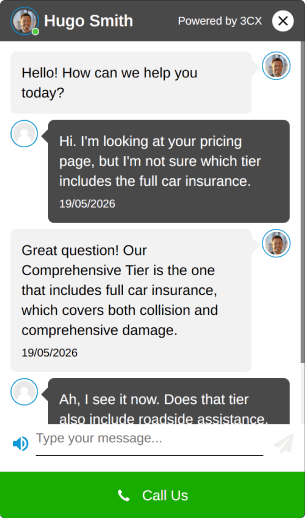
Visitors who get an answer while they're on the page are more likely to buy. Live Chat means someone is there to answer them.
Buyers get an answer while they're still on the page, not an email a day later. You catch them when their interest is highest.
Every chat goes to the right team and one person takes it on. A visitor never has to leave a question in a contact form and hope someone replies.
When a chat turns into a detailed question, the visitor moves to a voice or video call in one click. Your team explains it in person and takes the sale forward.
Chats arrive in the 3CX web client, desktop app and smartphone apps next to calls, so the team works in one app.
Enquiries go to the right queue. The first colleague to reply takes ownership and can hand over to a specialist without losing the thread.
The chat window uses your colours, your greeting and the names of the people answering, so it looks part of your site.
Outside opening hours, visitors see your hours and how else to reach you, so they know when they'll get a reply.
A visitor asks about your offer from the website. The message reaches the nominated user or queue in 3CX, where an agent can answer and take responsibility for the conversation.
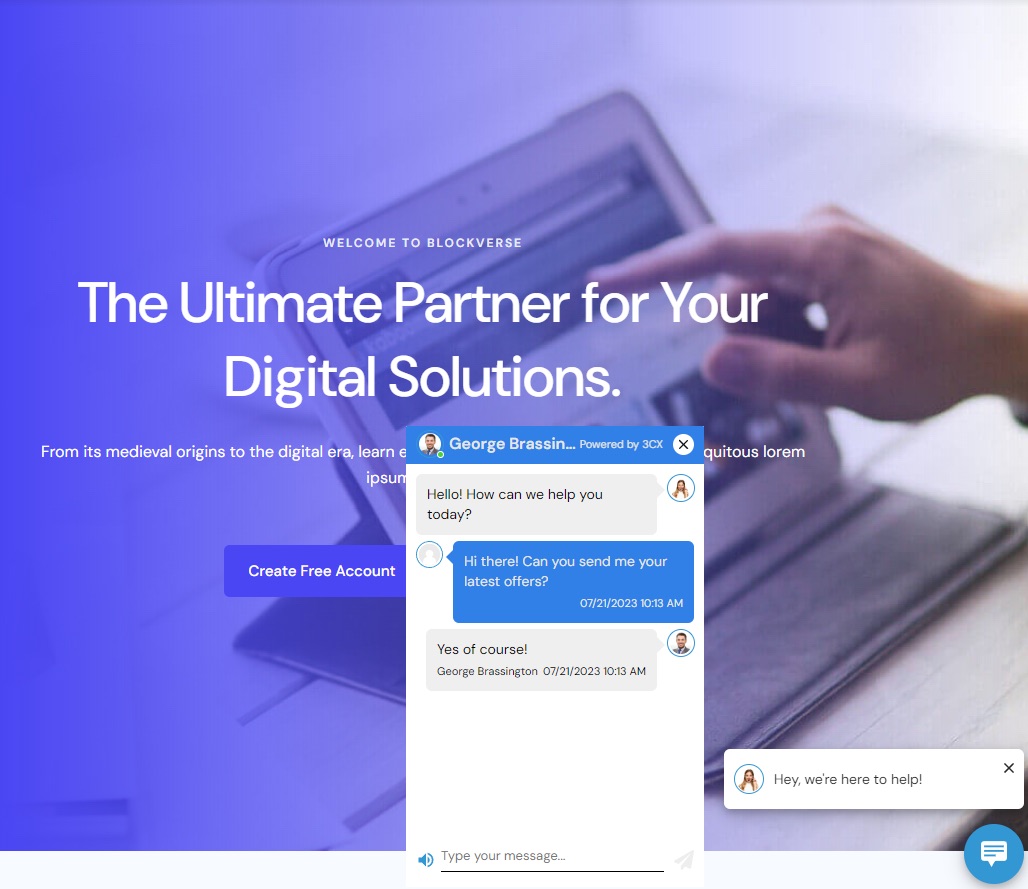
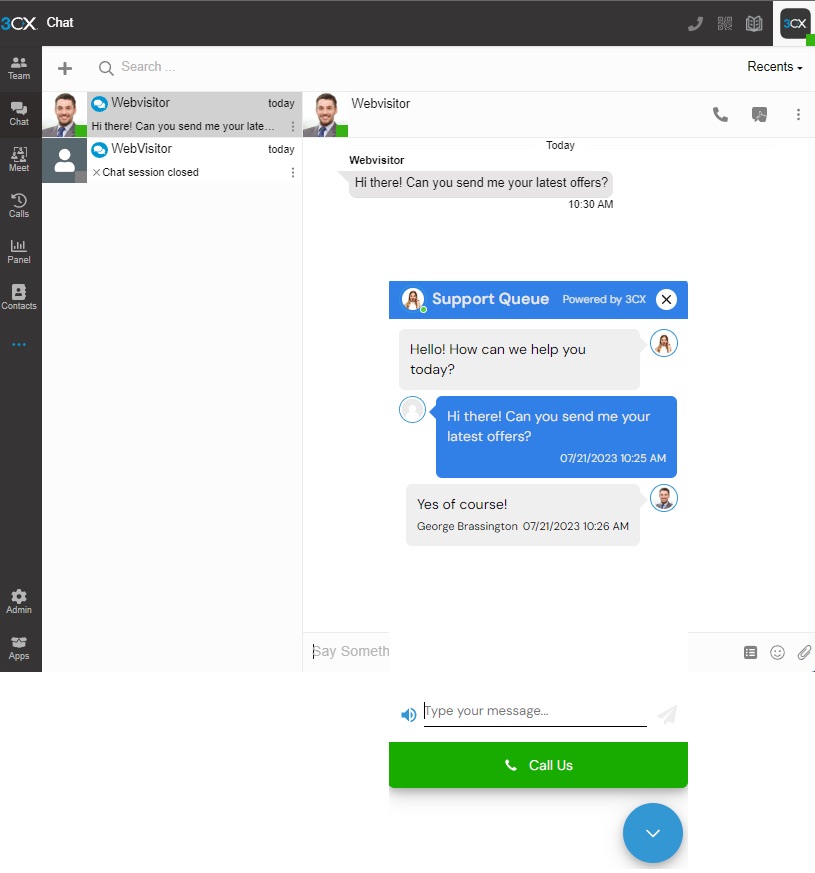
3CX demonstration screens. Your greeting, colours and agent identity can reflect your own website.
Live Chat comes with every 3CX system, with no charge per chat or per agent. You don't need a separate chat subscription or another app for your team to learn. Setting it up and routing it to the right team is part of your managed 3CX service. Whoever looks after your website adds the 3CX chat plugin or snippet to your site, and we give them what they need.
Infinitel hosts, manages and supports your 3CX system, including the chat that feeds it. We set up Live Chat and its routing in your 3CX, give whoever looks after your website what they need to add it, and show your people how to answer, transfer and move a chat into a call. Your system is covered by a 99.99% uptime SLA for managed 3CX hosting, subject to the applicable service agreement. It also comes with 24/7 cover for business-critical faults.
We agree which teams take which chats, your opening hours and your greeting.
We set up Live Chat in your 3CX and route chats into your queues. Whoever looks after your website adds the WordPress plugin or the HTML snippet, and we give them what they need.
We run a test chat and call with your team, show them how to take ownership and hand over, and switch it on.
Yes. 3CX provides a WordPress plugin and an HTML snippet for most other websites. Whoever looks after your website adds it, and we give them what they need, including a line for your privacy notice.
Yes, in one click, by voice or video, in their browser. They need a current browser and must allow microphone or camera access when asked.
Yes. It comes with every 3CX system, with no charge per chat or per agent.
Your own people, through the queues we set up. Outside your hours, visitors see when you'll be back. If you want AI to handle routine questions, 3CX AI agents come with the AI Edition licence. Which AI features you get depends on your edition, and they are never priced separately. See 3CX AI agents.
Yes. 3CX also brings WhatsApp Business messages into the same inbox as your chats and calls. See how Facebook messages work in 3CX.
Yes. We'll show you a visitor starting a chat, an agent answering in 3CX and the conversation moving into a call.
See a visitor ask a question, your agent answer in 3CX and the chat turn into a call in one click. Book a Live Chat demonstration with Infinitel.