
Find a person, make a call
Search by name or number, see availability and start a call from the web client. Choose the configured calling device that suits your desk.
Make calls, find colleagues and answer customer messages from one browser workspace. 3CX supplies the everyday calling tools; Infinitel supplies the managed phone service and expert help behind them.
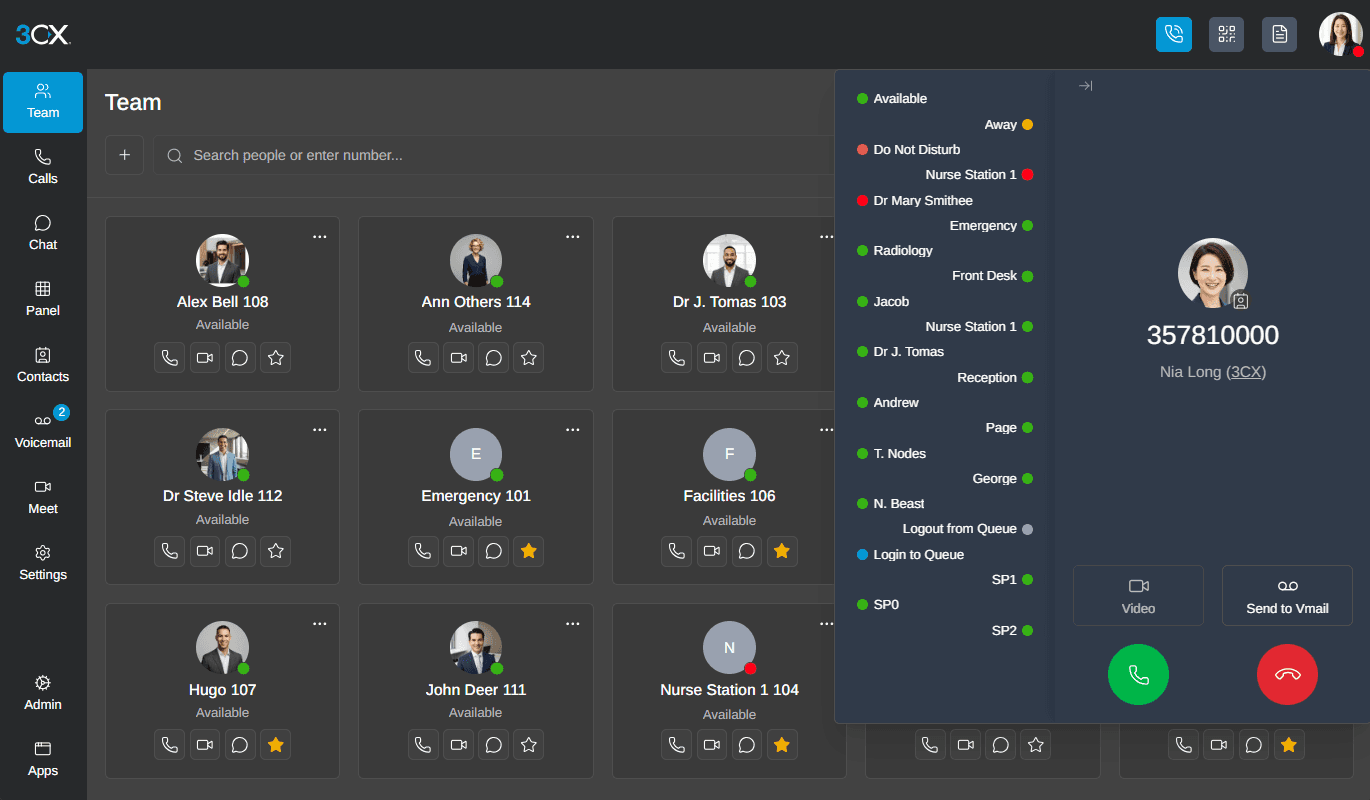
Search by name or number, see availability and start a call from the web client. Choose the configured calling device that suits your desk.
Use an attended transfer to speak to the recipient first, or pass the call directly when that is appropriate. Hold and conference tools help keep the conversation moving.
Handle voice and configured messaging in 3CX. Teams can take ownership of a conversation and transfer it to the colleague who can help.
The 3CX web client brings colleagues, calling controls and communication history into one browser workspace.
Use the team view and configured departments to find an available colleague. Your own status and queue membership help others understand when you can take a call.
Use a dedicated web-app window to keep calling close at hand. Notifications help you spot an incoming call while you work elsewhere on the desktop.
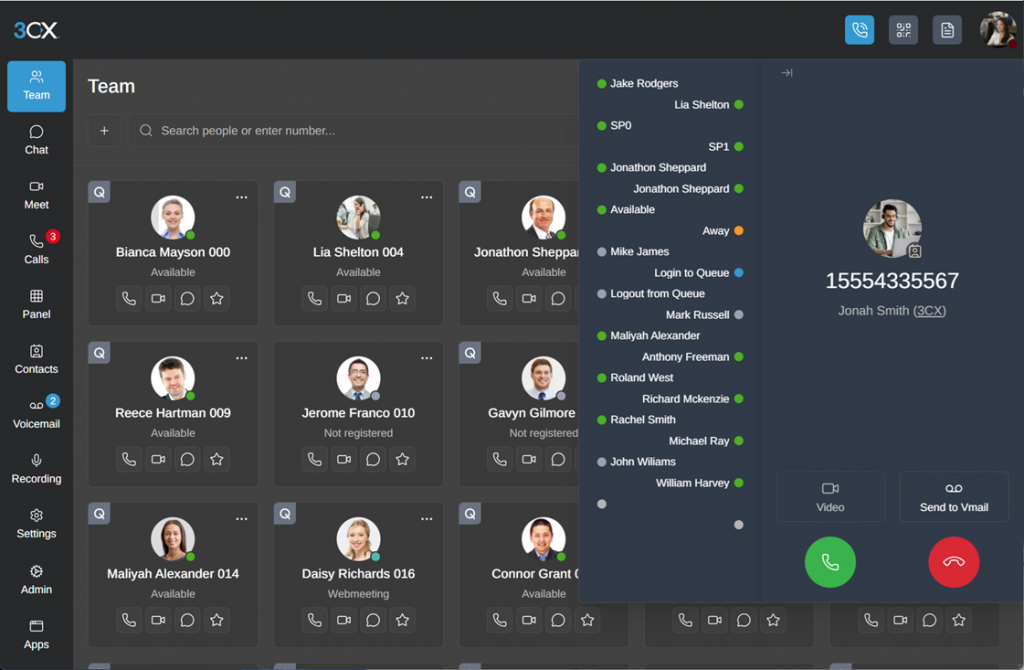
Click a number in a website or CRM and send it to your chosen 3CX app. Less retyping helps colleagues move from the customer record to the conversation.
Microsoft or Google sign-in lets colleagues use a familiar work identity to enter 3CX. Access remains controlled through the organisation’s connected accounts and user permissions.
The web client is part of your 3CX phone system. Infinitel brings the edition and simultaneous-call licence, hosting, numbers, voice and managed support together. We configure users and call handling and help people adopt the controls. Optional integrations, messaging usage and devices can add separate costs.
It is a strong choice for people who work mainly in a browser and want calling, contacts, status, voicemail and enabled messaging in one place. Windows, mobile and desk-phone options remain available for other roles.
3CX supports compatible desk-phone calling options alongside the client. The experience depends on the selected phone and 3CX setup, which Infinitel can demonstrate before deployment.
Yes, for the website chat, SMS and Facebook channels enabled on your 3CX service. Each channel has its own provider and configuration requirements.
Yes. The built-in Microsoft 365 integration lets selected users sign in with their Microsoft identity. The Microsoft subscription needs Exchange, and an authorised administrator grants the connection.
A compatible browser and device, a stable internet connection and a headset or suitable microphone. Microphone and notification permissions are needed to answer calls reliably. Queue, recording and integration tools depend on your 3CX edition and the access assigned to each person.
See how your team would find a colleague, answer an enquiry and transfer a customer with context. Book a demonstration of everyday calling in the 3CX web client.